
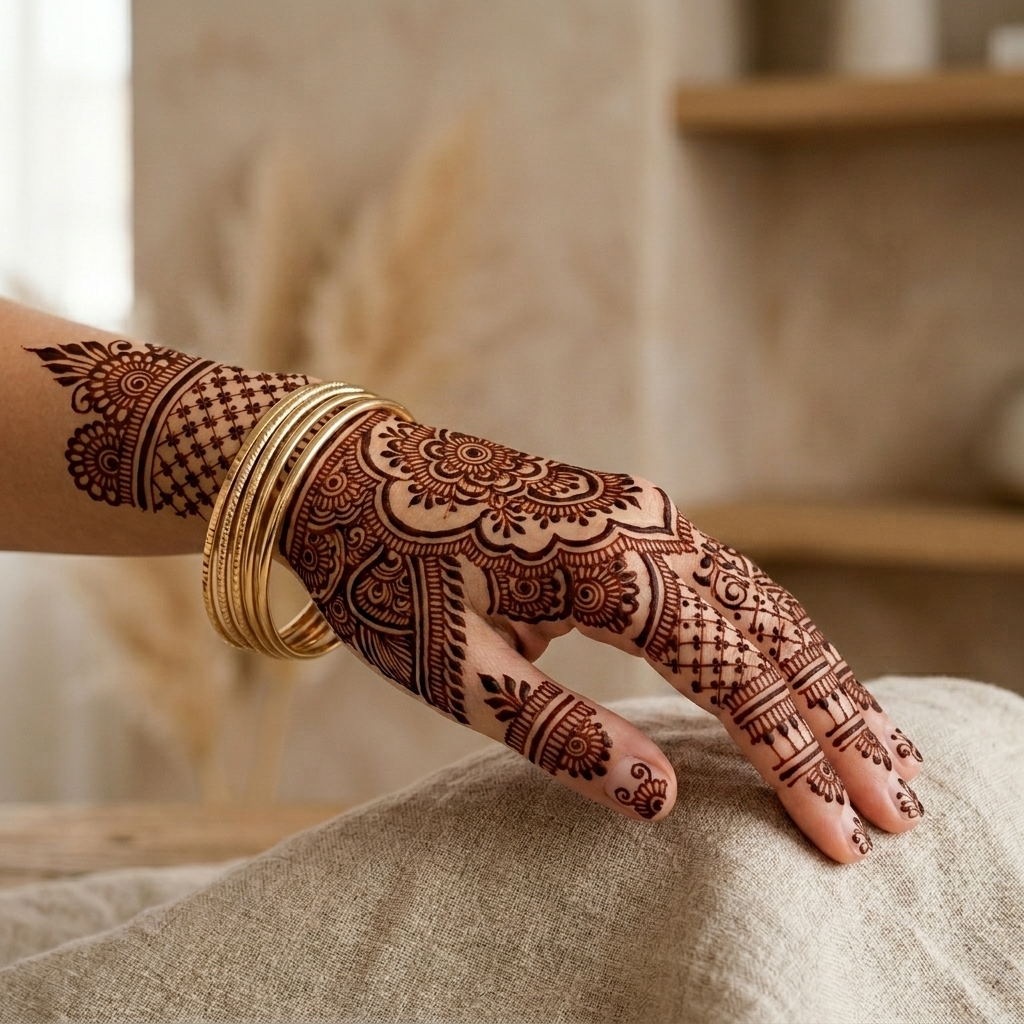
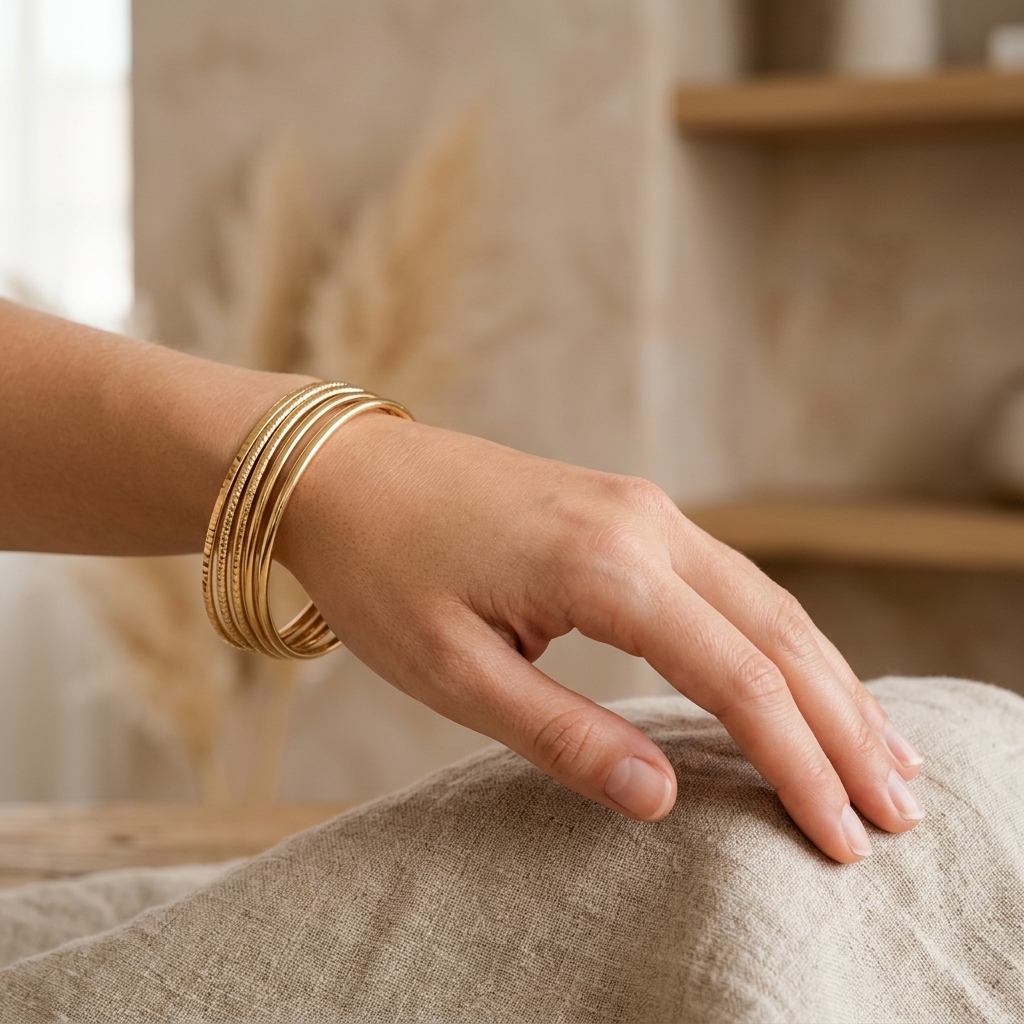
Choosing the perfect Mehendi (Henna) design for a wedding, Eid, Karwa Chauth, or festive celebration is one of the most exciting beauty decisions. With AI Mehendi Studio, you can now virtually try on Henna designs directly on your own hand photos or generate high-contrast stencils for artists in seconds.
What is AI Mehendi Studio?
AI Mehendi Studio is an intelligent virtual Henna try-on and pattern generation tool. Powered by deep contour mapping and generative AI, it identifies hand orientation, finger posture, palm creases, and lighting to simulate authentic Henna stain dye absorption onto skin.
Try On Royal Bridal & Arabic Henna on Your Hand
Upload your hand photo and preview intricate lattice mesh, mandalas, and floral vines with natural Henna stain absorption.
Launch AI Mehendi StudioReal AI Transformations: Natural Hand to Royal Bridal Art
Unlike flat sticker filters, AI Mehendi Studio wraps Henna patterns around fingers, knuckles, and wrist contours with organic shading and dye oxidation.
High-Precision Pattern Stencils for Artists & Coners
In Pattern Stencil Creator mode, you can generate crisp, high-contrast flat-lay Henna stencil designs to print, trace, or share with clients without uploading any hand photo.
1. Bridal Royal Pattern Stencil
Dense traditional lattice grid mesh, floral paisleys, and majestic peacock motifs crafted for full-palm and forearm application.
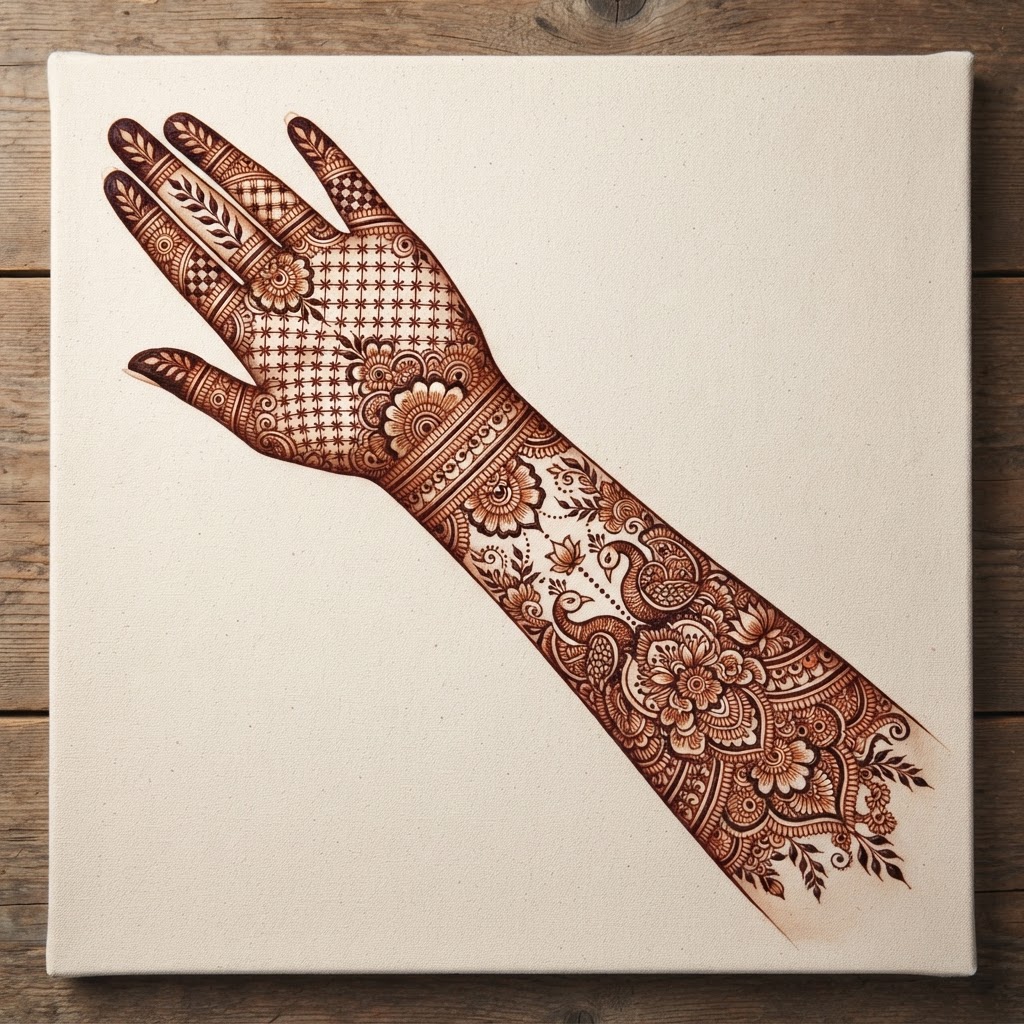
Figure 1: High-contrast Bridal Royal Pattern Stencil artwork.
2. Elegant Arabic Floral Vines
Sweeping diagonal vines, shaded petals, delicate negative space, and contemporary fingertip accents suited for parties and modern celebrations.
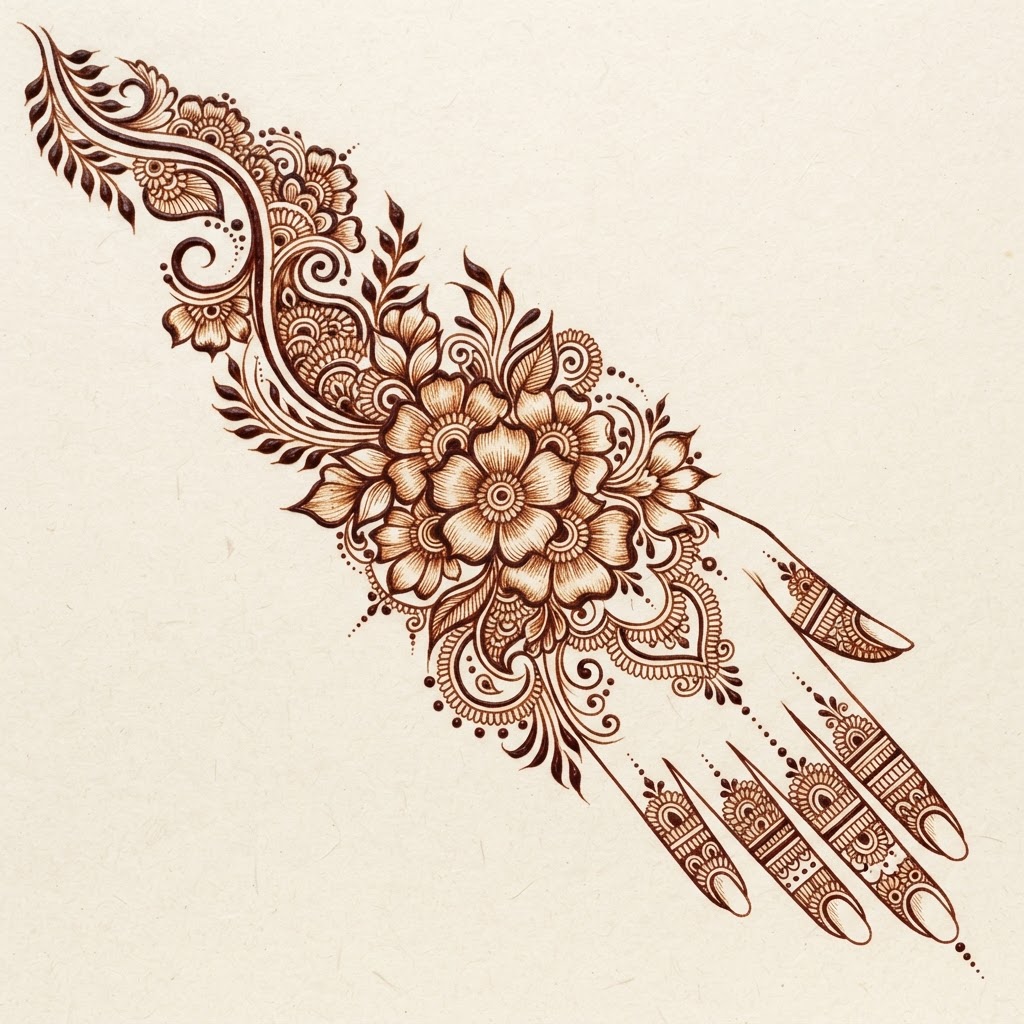
Figure 2: Flowing Arabic Floral Vine Mehendi Stencil design.
Key Features of AI Mehendi Studio
- Virtual Hand Try-On & Stencil Generator: Easily switch between on-hand try-on and standalone pattern art.
- Authentic Stain Tones: Choose from classic Reddish-Brown, deep Mahogany Maroon, or warm Sunset Amber stains.
- Palm & Back of Hand Orientation: Accurate motif placement whether your open palm or back of fingers is facing the camera.
- Interactive Comparison Slider: Smoothly slide between your natural hand and the rendered Henna artwork.
How to Try On Mehendi in 3 Steps
- Upload Photo: Snap a clear, well-lit photo of your hand facing the camera.
- Select Style & Stain: Pick from Royal Bridal, Arabic Floral, Rajasthani Mandala, or Minimalist Finger presets.
- Generate & Compare: Click generate to render your design in seconds, compare with the slider, and download in high resolution.
Start Your Virtual Henna Experience Today
Explore unlimited bridal Henna designs and printable stencils online for free on UltimateApp.
Launch AI Mehendi Studio